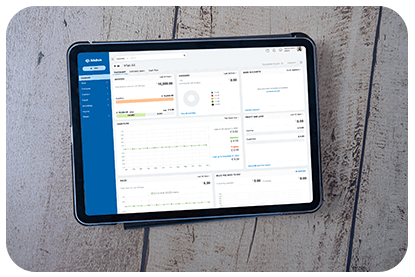
How to Access Your Payment History
- Go to Billing in the top-right corner.
- Click Manage Subscription under the Organisation section.
- Select Your Store Details in the top-right corner.
- Click Transaction History to view all past payments.
Managing and Filtering Transactions
- Download Invoices: Click the PDF icon next to a transaction to download an invoice.
- Filter by Type: Use the All drop-down menu to filter transactions by purchases, upgrades, renewals, or downgrades.
- Filter by Period: Click Filter by Period and choose a date range to view transactions from a specific timeframe.
- Search by Transaction ID: Use the search bar in the top-right corner to find a specific transaction by entering the Product/Transaction ID.
By using these tools, you can efficiently monitor your billing activity and maintain clear financial records. 🚀
Web server is down Error code 521
Visit cloudflare.com for more information.
2026-03-05 14:01:45 UTC
What happened?
The web server is not returning a connection. As a result, the web page is not displaying.
What can I do?
If you are a visitor of this website:
Please try again in a few minutes.
If you are the owner of this website:
Contact your hosting provider letting them know your web server is not responding. Additional troubleshooting information.


